01
Swipe through the story
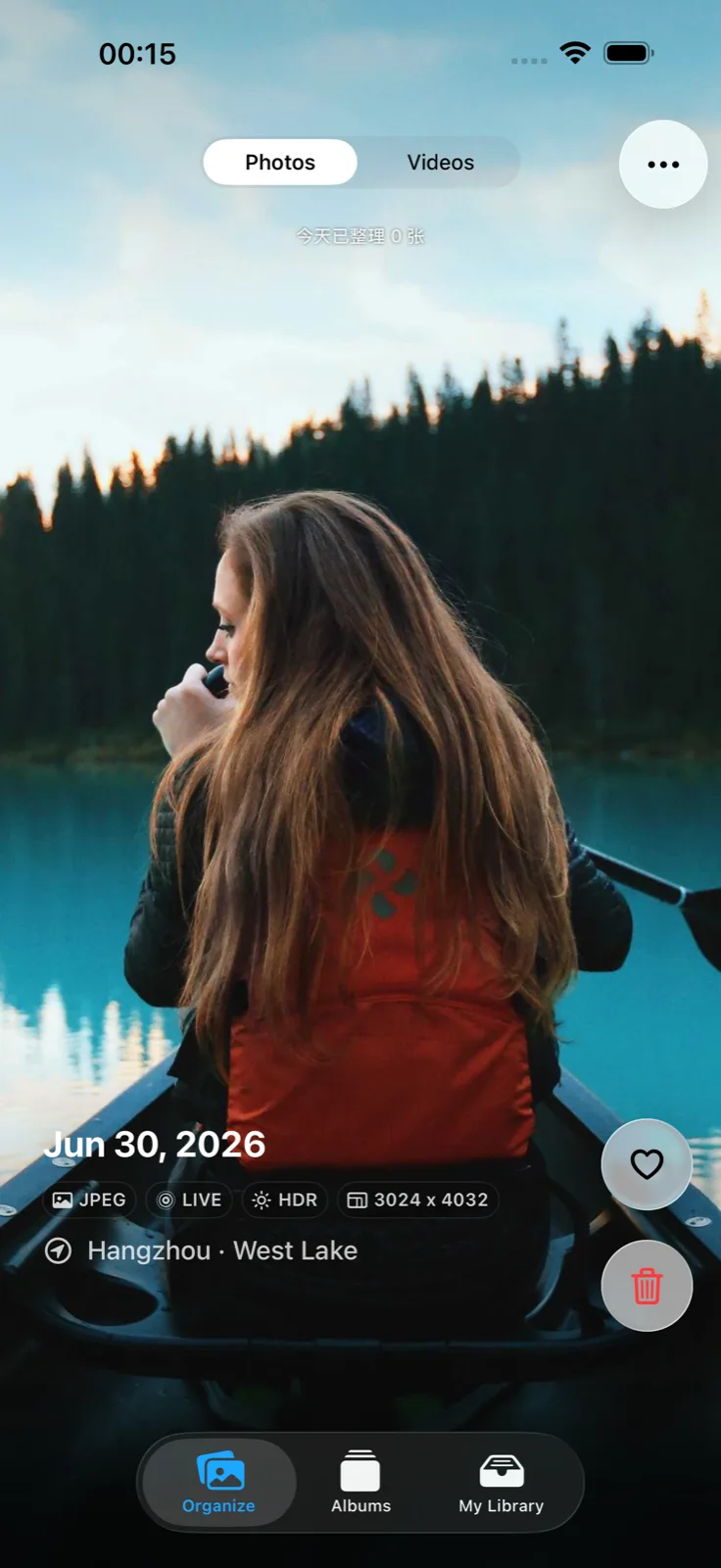
Photos and videos fill the screen, so you can decide with context instead of squinting at thumbnails.
PRIVATE PHOTO ORGANIZER
A calmer way to move through your camera roll. Swipe through photos and videos, keep the moments you love, and review clutter safely—all on your device.
A BETTER CAMERA ROLL
LightRoll turns photo cleanup into a simple, repeatable flow—one decision at a time.
Photos and videos fill the screen, so you can decide with context instead of squinting at thumbnails.
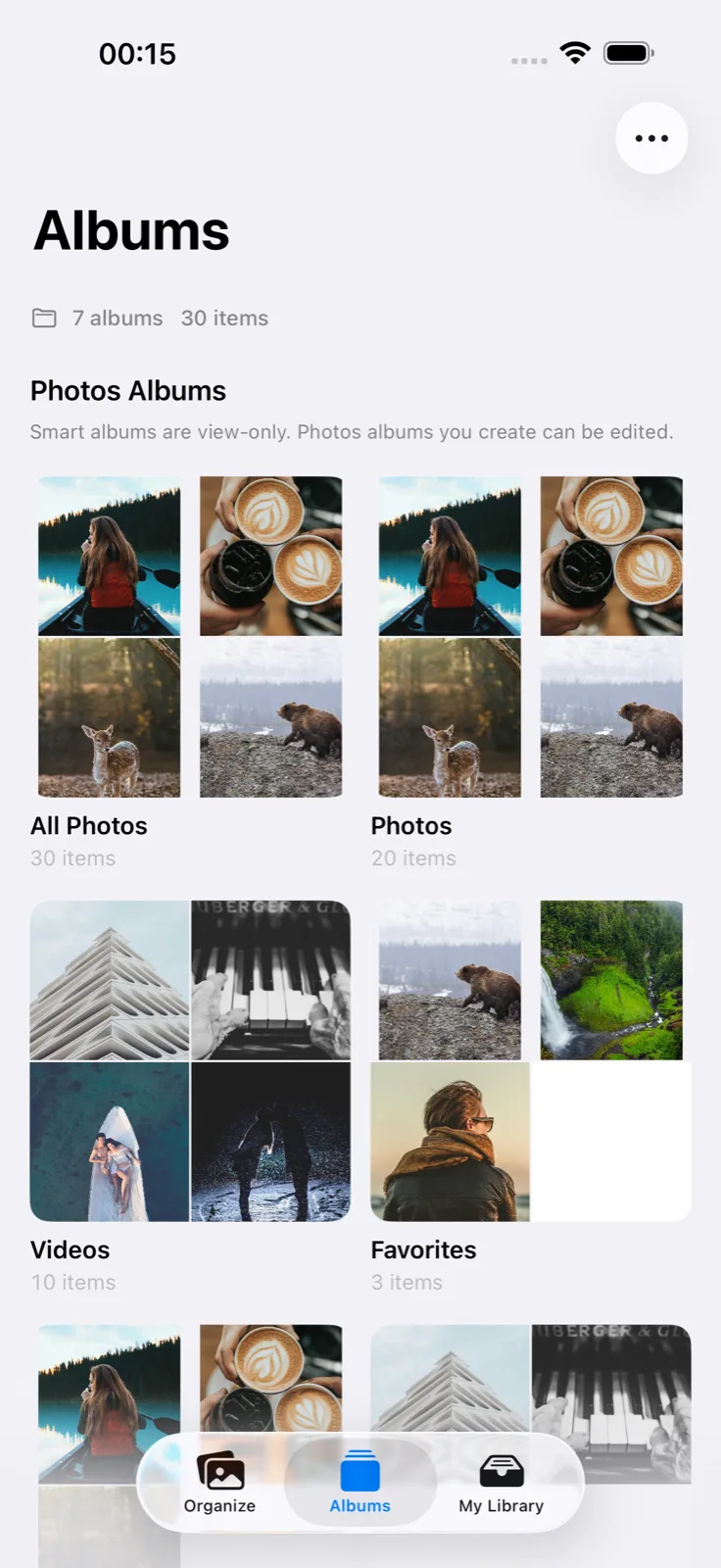
Save what matters, build albums, and move quickly without turning memories into admin work.
Trash Review is a safe holding area. Nothing leaves Apple Photos until you confirm—and iOS asks again.
PRIVACY IS THE PRODUCT BOUNDARY
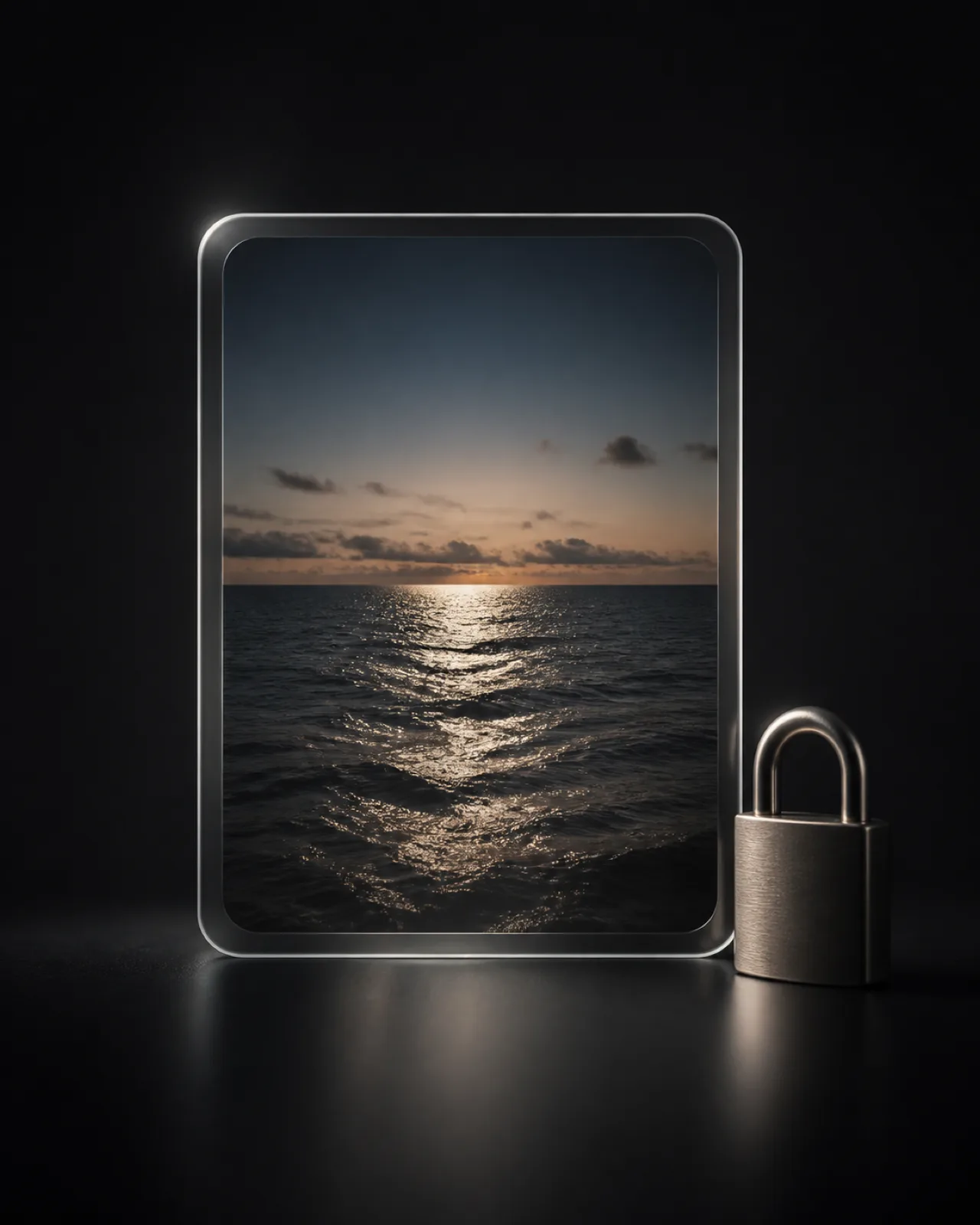
LightRoll has no user accounts and no backend that receives your library. Browsing, organization records, and smart groups stay on your device.
BUILT FOR APPLE PHOTOS
Use Full Access to work through your entire library, or Selected Photos when you want to begin with a smaller set. You can change access anytime in iOS Settings.
Full Access vs. Selected Photos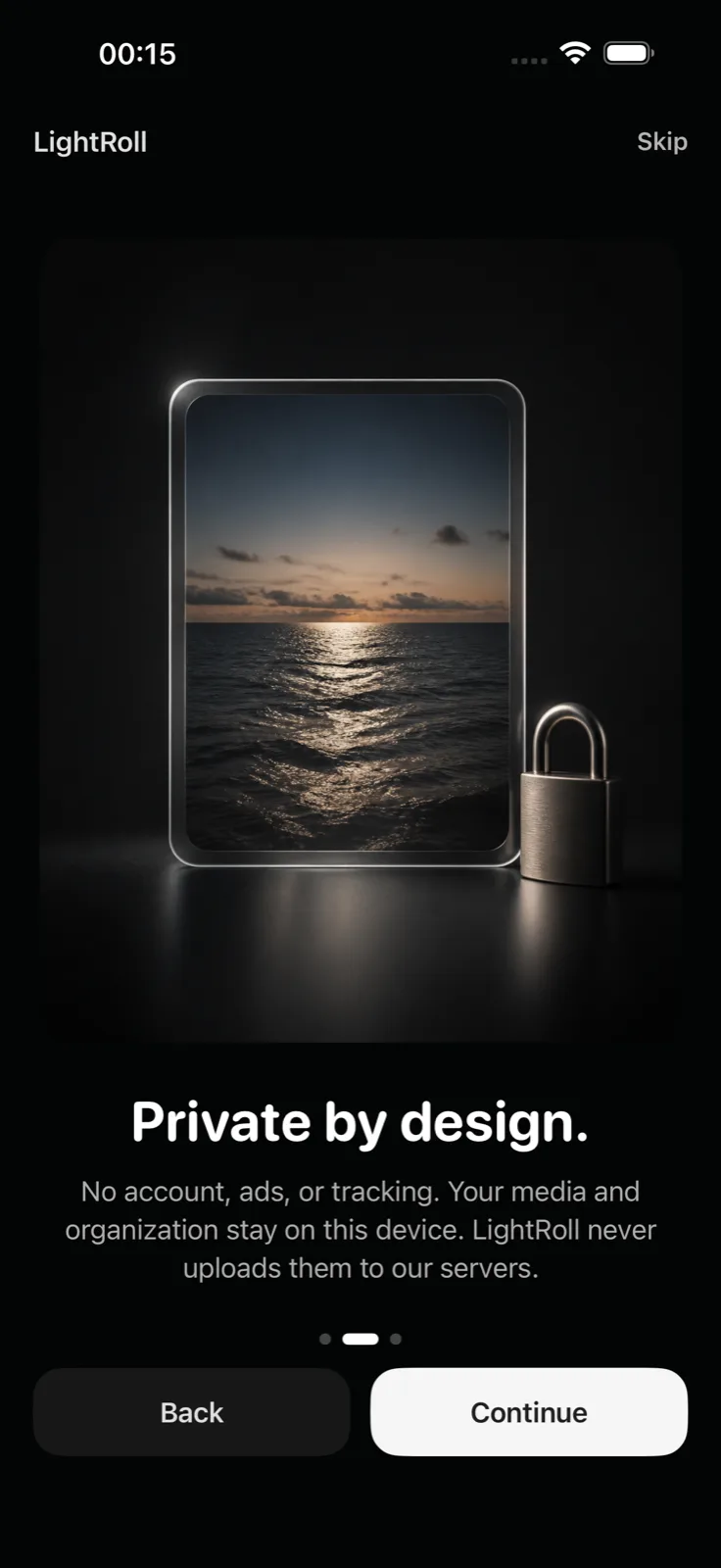

LIGHTROLL GUIDES
A small daily habit for making real progress through a large camera roll.
Understand what stays on device and what iCloud Photos handles separately.
A plain-language explanation of Apple’s photo permission choices.
QUICK ANSWERS
No. LightRoll does not operate a server that receives your media. If an original exists only in iCloud Photos, iOS may download it through Apple services so it can be displayed on your device.
No. Trash Review is only an on-device queue. LightRoll requests deletion from Apple Photos only after you confirm, and iOS presents another system confirmation.
Yes. LightRoll has no subscription, in-app purchase, paid feature, advertising, or account requirement.
Yes. You can start with selected items and change your access in iOS Settings whenever you want.

FREE ON IPHONE AND IPAD
Private, focused, and made for a few calm minutes at a time.
Download on theApp Store